AI Lip Sync Generator Online
Create AI lip sync videos with no skills needed. Just upload a clip, add audio, and you will get natural speech sync results in minutes.
1. Upload Video
Drag or drop your video here to upload
Maximum file size: 30MB (up to 1920px × 1920px)
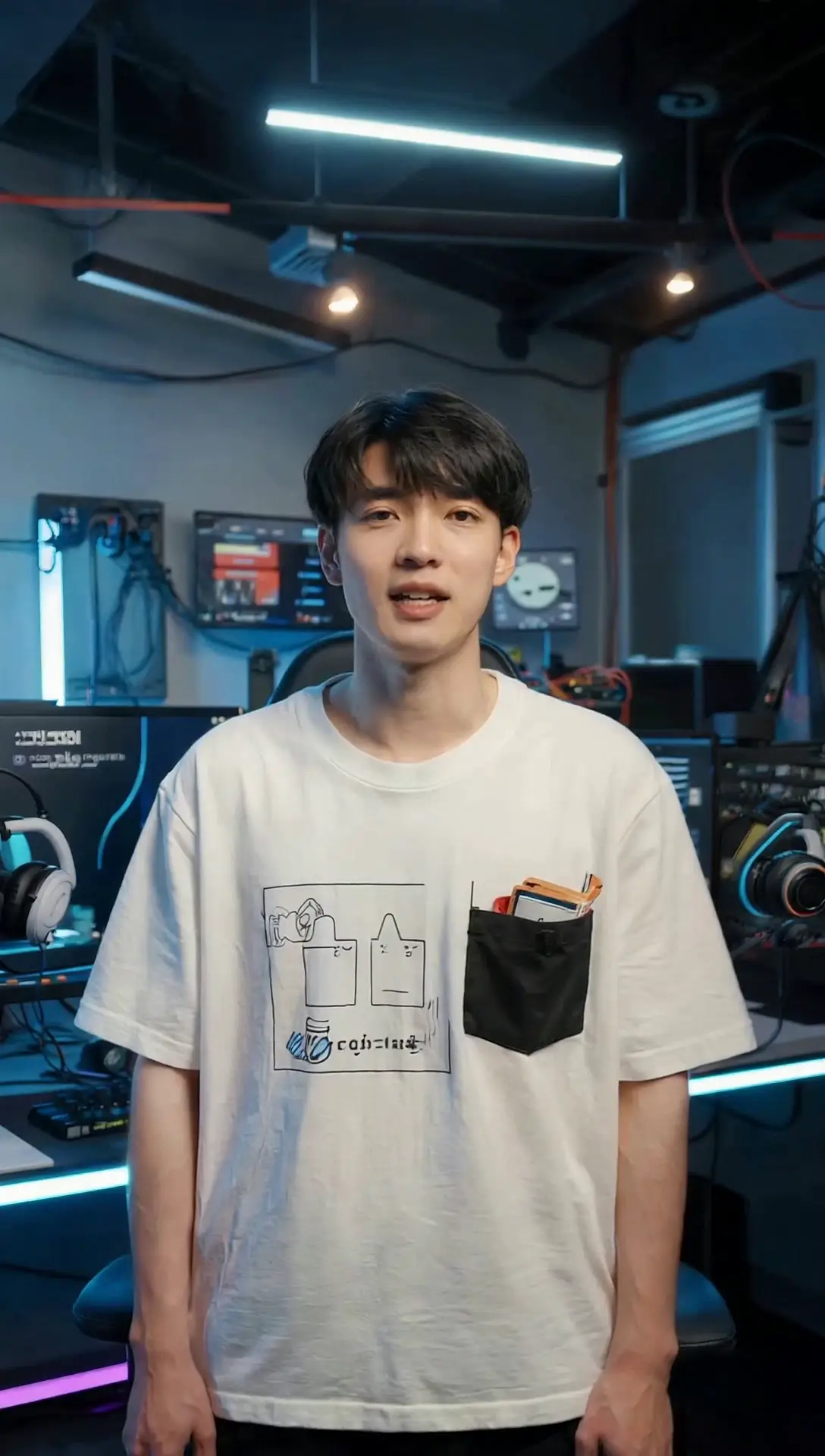
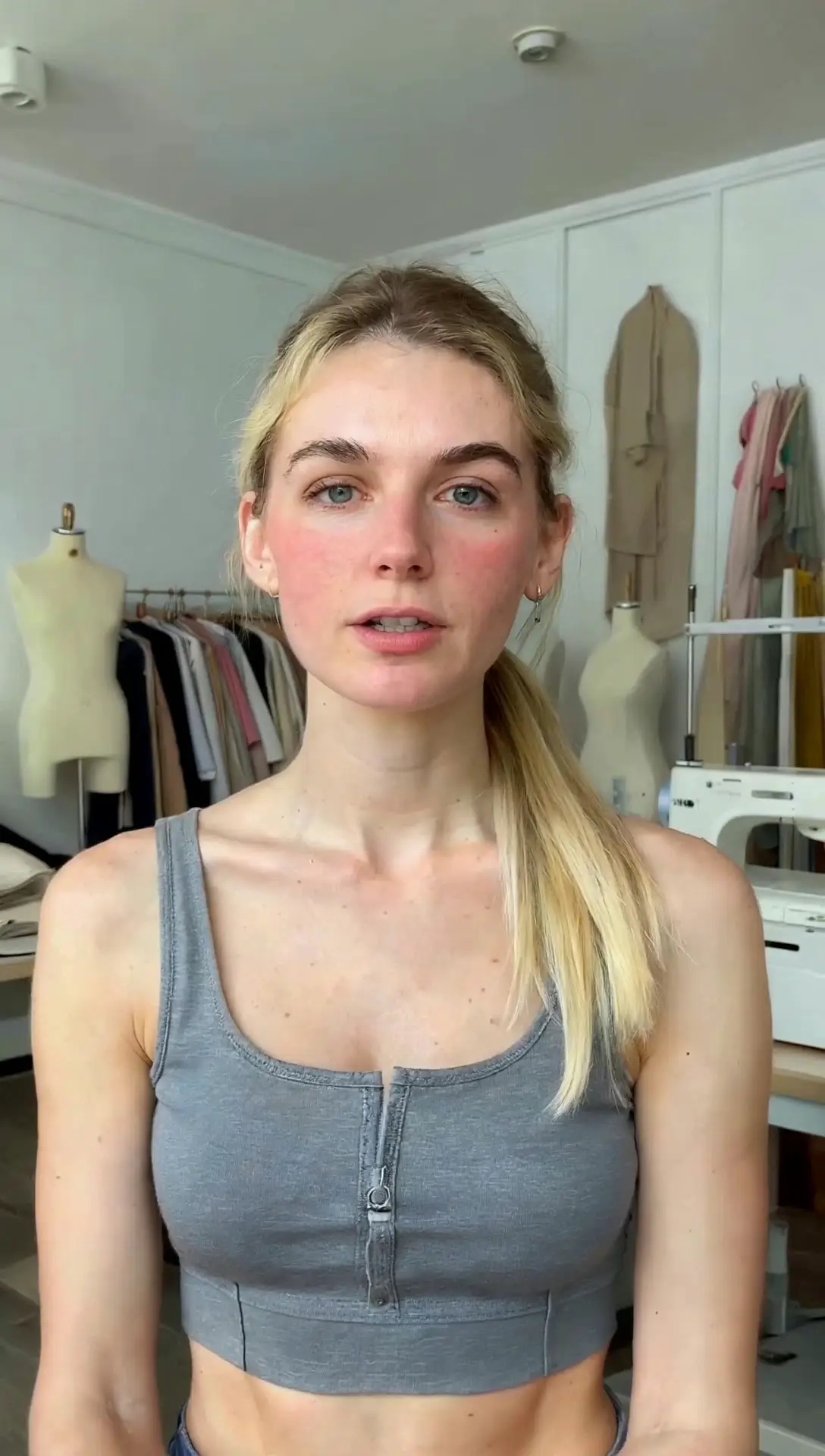
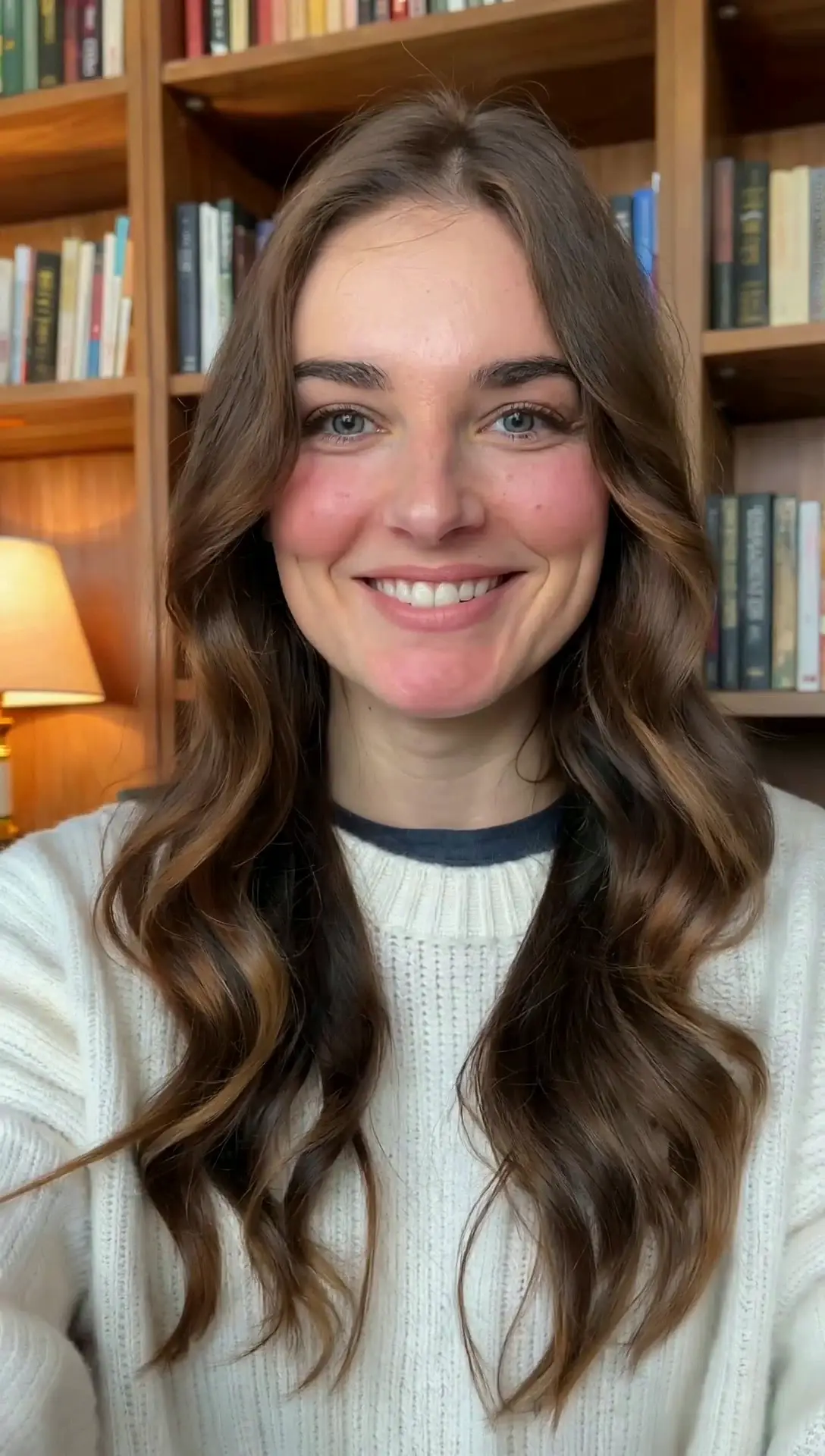
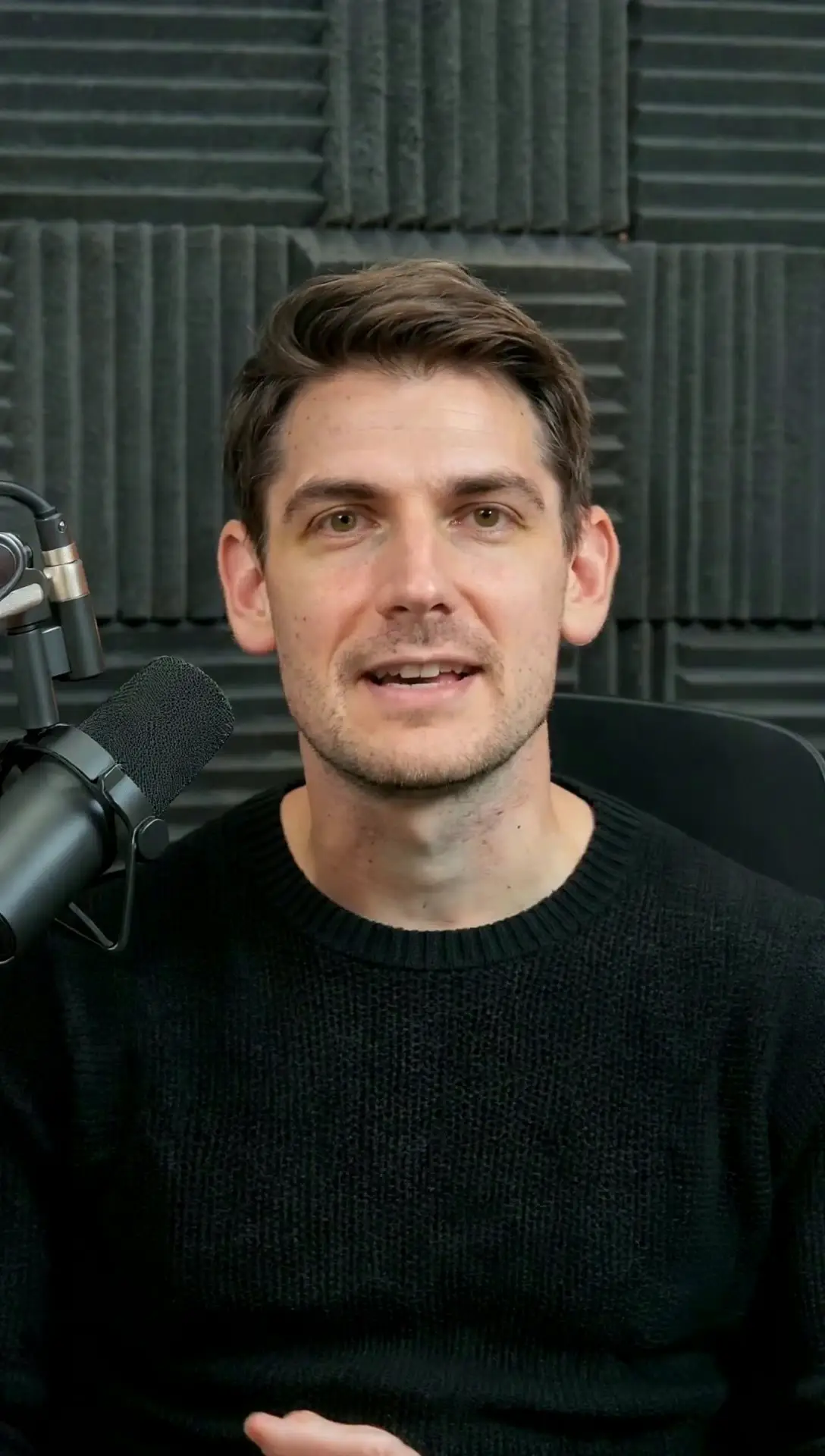
2. Model Select
Lip Sync 1.0
Fastest, cheap, only supports portraits, basic effect
Lip Sync 2.0
Realistic lip-syncing and movements for various characters
3. Upload or record a audio
Click or drag to upload audio (≤90s)
View results in My Creations after generation
My CreationsNo Data
Generate AI Lip Sync Videos in Minutes
Powered by advanced AI models, it delivers fast lip synchronisation. This workflow aligns speech with mouth shapes and smooths transitions, making the video look realistic and fluid. It is especially effective for short-form content. For best results, please upload a video with only one visible face. Make sure the face is clear, well-lit, and unobstructed, with good lighting conditions. For the most natural output, start with a clear face and clean audio.
Make Videos Speak Naturally With AI Lip Sync
AI Lip Sync lets you add a new voice track to an existing video and keeps the mouth movement naturally aligned with the audio, so the result feels more real and smooth. It’s a practical way to refresh training clips, product demos, announcements, and short s ocial videos without reshooting. With clearer delivery and more lifelike timing, your message comes across naturally and holds attention better.
Create Fun Talking Styles With AI Lip Sync
AI lip sync is perfect for today’s trending social videos and gives you room to get creative. Think “talking dog” mini clips, baby voice snippets, mascot skits, reaction edits, and fast trend remixes. You don’t need to appear on camera. Just change the script or voiceover and generate a new take in seconds. It also helps you build a repeatable series people recognize instantly. Keep the same character face, a stable background, and a signature voice style, so viewers know it’s your content in the first second.
Edit and Personalize AI Lip Sync Videos
Simple refinements that keep your message clear and consistent on any platform.If you need to update what your video says, AI Lip Sync helps you avoid costly re shoots. You can regenerate dialogue, swap the voice, and tailor the same clip for different audiences or languages while keeping the delivery natural. It’s also easy to combine with video face swap when you want the same script to work with a different character or creator identity, without rebuilding the entire scene.
How to Make an AI Lip Sync Video
From upload to export, it is a short workflow you can repeat daily.
Upload a Video
Upload a video, and try to use clear, stable footage so the AI can track the face frame by frame with better accuracy. Keep the lips visible and the subject centered for smoother, more natural results.
Add Audio or Web Dubbing
Add a voice track or use web dubbing, then choose a language and pacing that fits the face. Clean audio improves lip synchronisation. Keep speech natural, not too fast or pause heavy, for smoother short videos.
Generate and Preview AI Lip Sync Result
Wait for the AI to create the lip sync, preview the fun result, then download and save it with no watermark.
What You Can Do With AI Lip Sync
Use cases that fit creator workflows, marketing needs, and entertainment formats.
Turn Audio Into Talking Avatars
Making an avatar talk is one of the most common use cases. It helps you keep a consistent “presenter” style without filming every time. It works well for publishing short news updates on social media, explaining lessons in a course, or sharing internal announcements. It’s also great for lighter moments like birthday wishes, holiday greetings, quick thank-you messages, and many other everyday scenarios.
Video Dubbing for AI Clips
Lip sync helps a generated video feel less flat and more watchable. Add a voiceover or replace the original audio, then match the mouth to the new track so the lines land naturally. A few spoken beats can turn a silent scene into a story, a character moment, or a clear explanation. It’s an easy upgrade that makes the same visuals feel more real, expressive, and fun to share.
Cartoon and Anime Lip Sync Content
Bring your cartoon or anime characters to life with smooth lip sync that matches a voice track naturally. Sync speech to 2D or 3D mouths to create real “talking” moments, from quick jokes to full scenes. Animate a favorite character, build a dreamy setup, and get expressive dialogue without drawing frame by frame or hand-animating every mouth shape.
Why Choose Our AI Lip Sync Tool
Global Reach With Lip Sync Dubbing
Our dubbing supports multiple languages, so you can reuse the same visuals and generate localized versions for different countries. AI Lip Sync keeps the translated voice aligned with the face, making localization feel natural and consistent.
No Camera, No Editing Timeline
This workflow cuts down on re-shoots and heavy timeline editing, which helps fast-moving teams stay nimble. If your content is script-led, you can update the message by swapping the audio instead of scheduling another shoot. It’s a smoother way to keep quality high and publish consistently.
Lower Production Time and Costs
AI Lip Sync speeds up production without adding complexity. Even if you’re not technical, you can create polished, voice-led videos and reuse the same avatar or source clip to roll out new scripts, fresh hooks, or multilingual versions. That means you have more time to focus on ideas, storytelling, and testing what resonates.
Privacy Focused Upload and Processing
We respect your privacy. Your photos and videos are yours. We can’t view your uploads, and files are automatically deleted on a regular schedule, so please download and save your creations in time.
What People Say About Our AI Lip Sync
See how our AI face swapper is transforming digital workflows worldwide.
" I turn product photos into quick explainers without booking another shoot. When the script changes, I just update the audio and export a new version. "
Sofia
eCommerce marketer
" We use one avatar for weekly training updates. Instead of filming again, we swap the voice and lines and publish. It saves time every week. "

Daniel
training coordinator
" I run a talking dog page. I add a short voice line, sync the mouth, and the clip suddenly feels alive. It’s been great for mini skits and memes. "

Maya
pet content creator
Try the AI Lip Sync Generator
Generate a short talking clip, preview the timing, refine pacing, then export a platform ready video.
Explore More
FAQs about AI Lip Sync
Answers to common questions about our AI Lip Sync.