Step 1 — Upload Your Source Video

Start with a clip that’s easy to read: one clear subject, steady camera movement, and even lighting. A few seconds is plenty — short clips produce the most believable AI body swaps.
Free AI Body Swap For Video
Upload a clip, select the person you want to change, and create a body swap video in just a few clicks.
Upload Video
M4V / MP4 / WEBM
Upload Photo
Resolution & Audio
My Creations
No creations yet.Start swapping!
AI body swap lets you upload a video and one photo for each target character. Replace the full face and body of one, two, or three characters in the same clip to create a complete character transformation—not just a simple face overlay.
Start Free Body Swap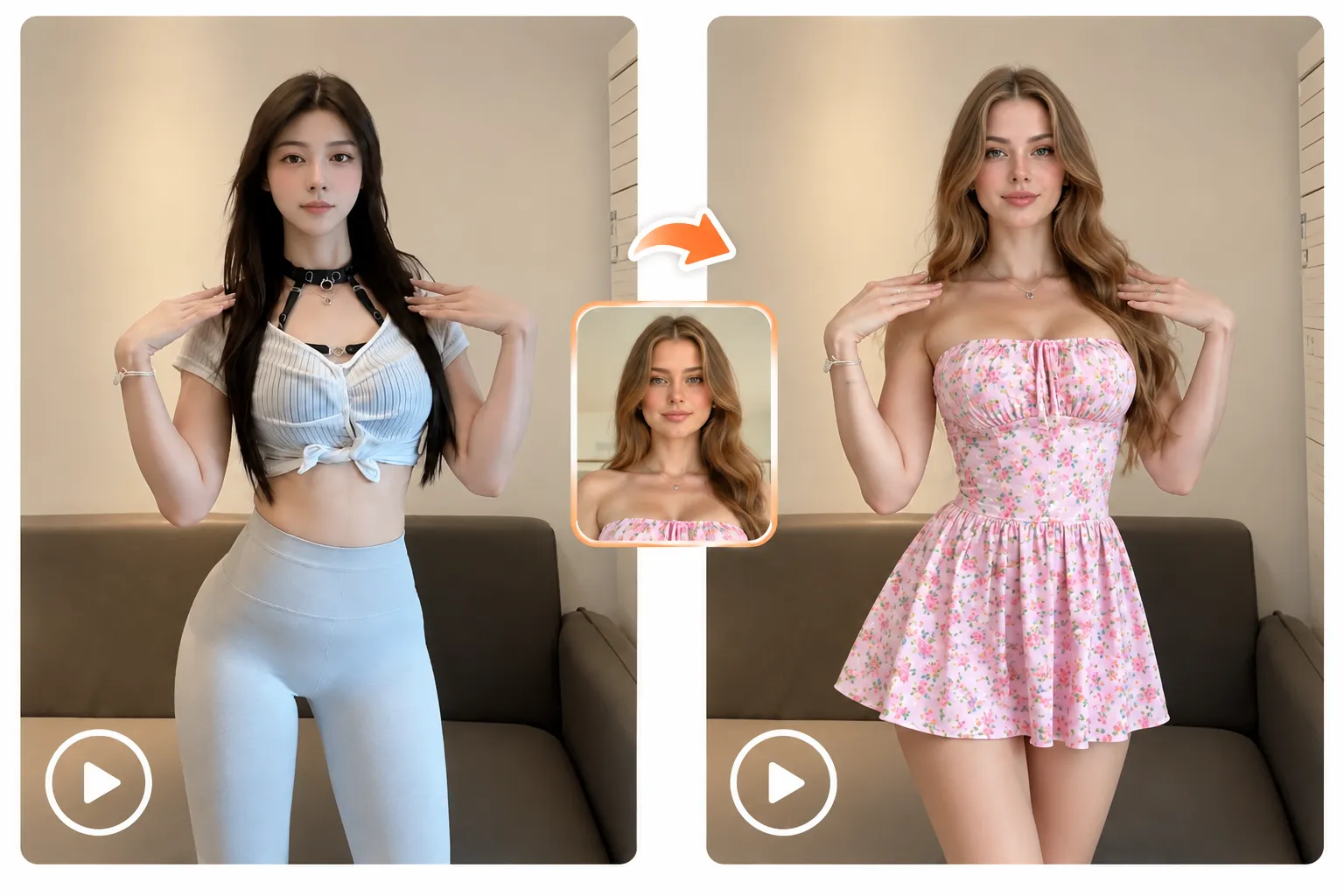
AI body swap uses artificial intelligence to replace a person’s visible body or character appearance in a video while preserving the original scene, action, and timing. It is useful for creative edits, short-form videos, cosplay concepts, dance content, and visual storyboards.
Unlike face swap, which changes facial features only, body swap focuses on changing the character’s overall appearance in the video.
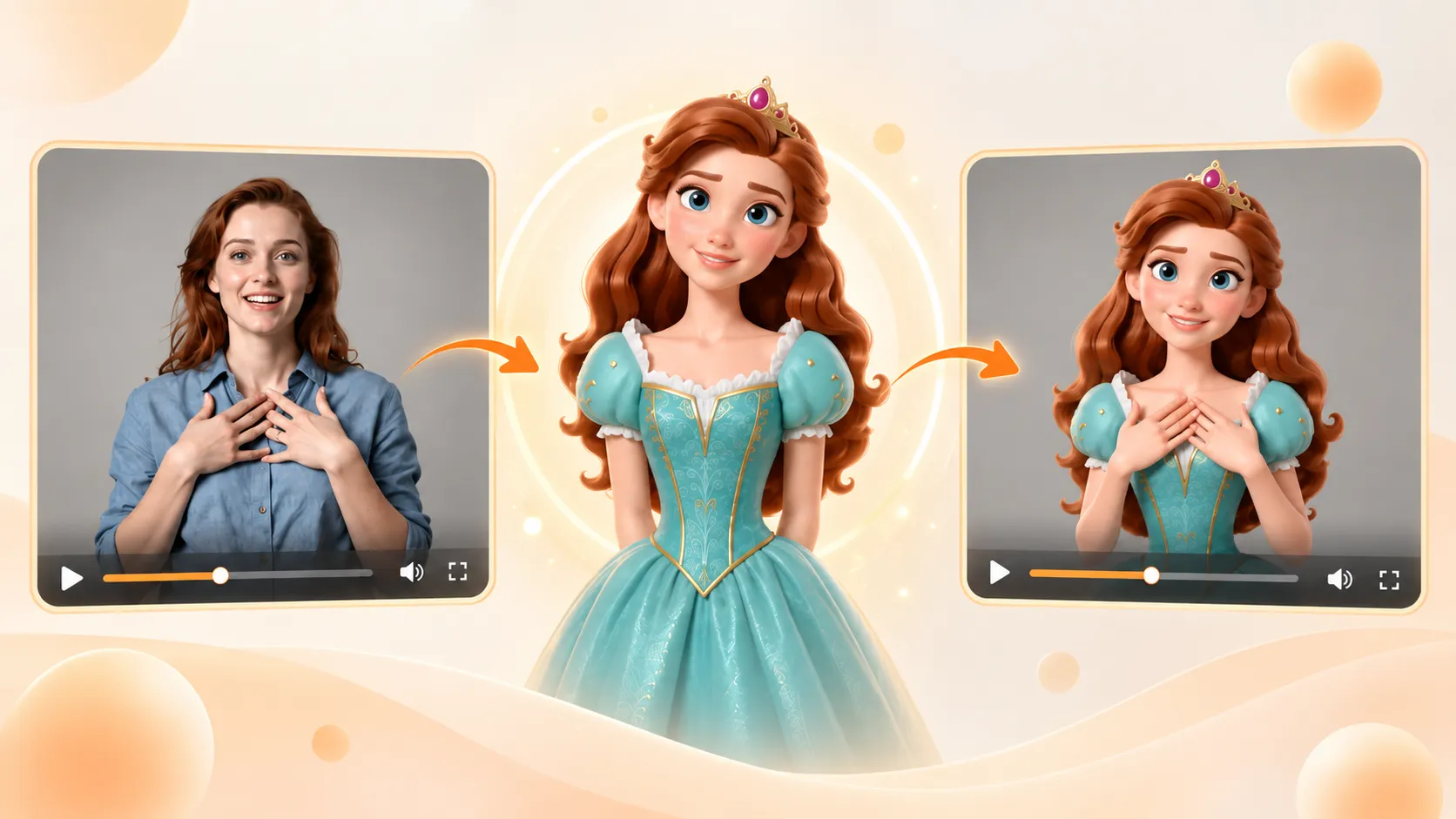
Turn a basketball dunk, trending dance, or everyday clip into eye-catching social content. Upload your video and target character photos, then use AI body swap to transform up to three people while keeping the original action and timing as consistent as possible. Create engaging videos for TikTok, Instagram Reels, and YouTube Shorts in just a few clicks.
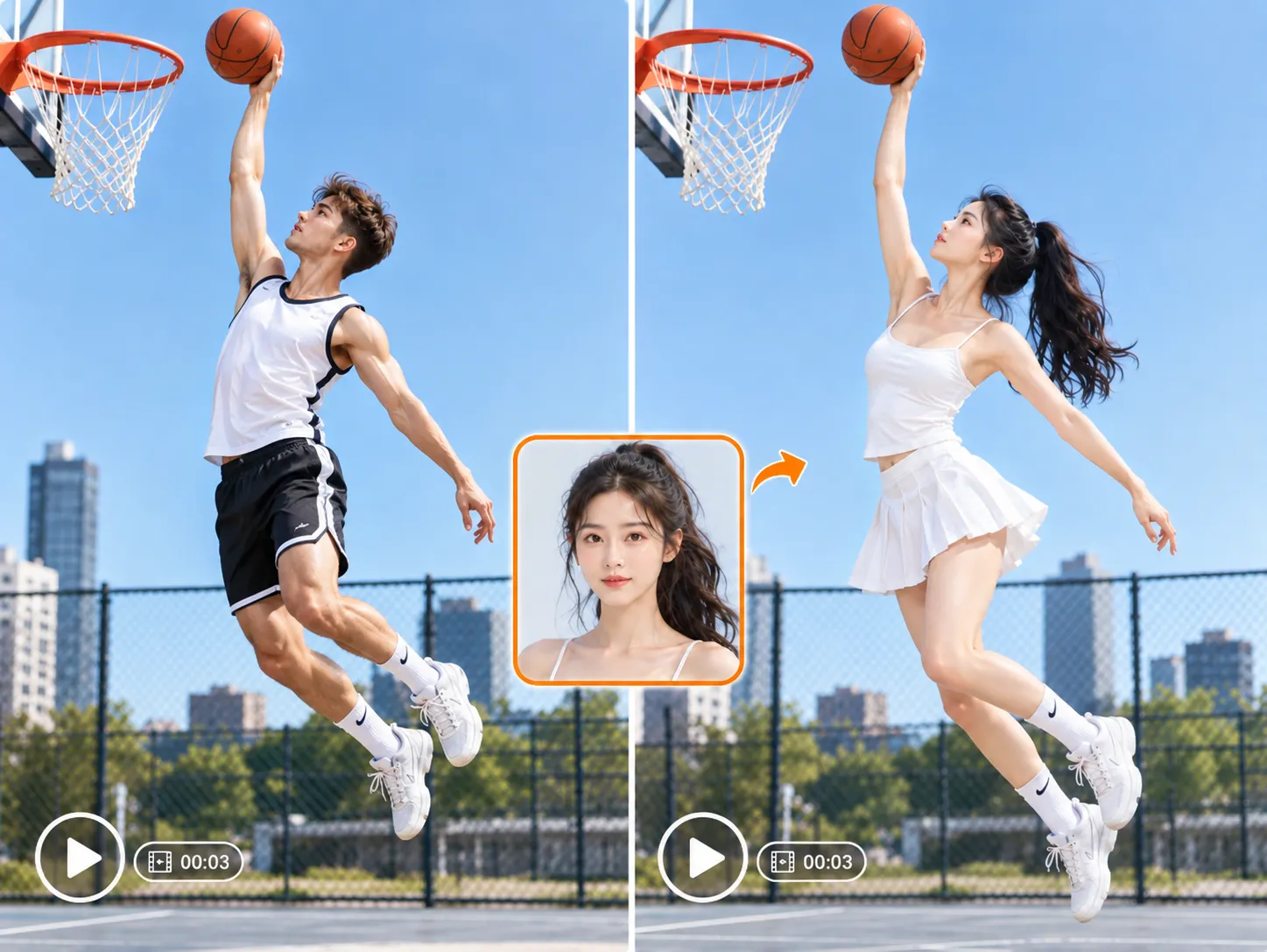
Turn campaign ideas, product concepts, storyboard scenes, and creative pitches into visual drafts faster. Use AI body swapping to place different characters into the same scene, compare visual directions, and explore character replacement ideas before production begins.
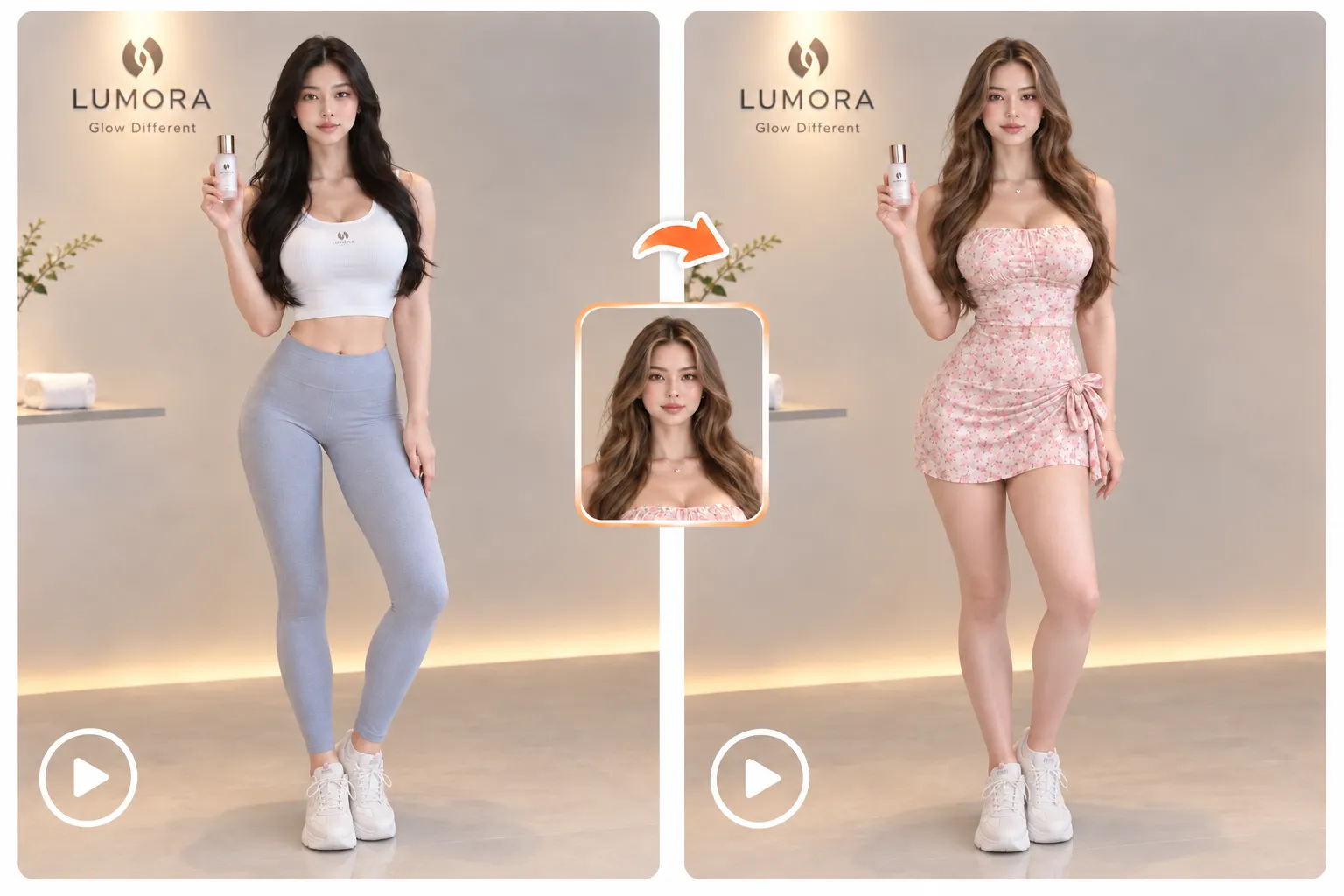
Easy Start
Start with a clip that’s easy to read: one clear subject, steady camera movement, and even lighting. A few seconds is plenty — short clips produce the most believable AI body swaps.

Upload the character photo or reference you want to swap into. A sharp, front-facing, well-lit image gives the AI the clearest read on the look — so the final video keeps the face, hair, and outfit details intact.

Pick your model, resolution, and duration, then hit Generate. Your body swap video renders in seconds — preview it, try another character, and download or share as soon as it looks right.
Everything you need to replace characters in your video — right in your browser.
The AI analyzes the subject, movement, lighting, and scene to create a more consistent character transformation across the video.
Upload your files and generate a body swap video directly in your browser. No timeline editing, manual masking, or advanced software skills are required.
Choose from the available quality and resolution options to balance output quality, processing speed, and credit usage.
Create character concepts, social media clips, cosplay edits, dance videos, and visual ideas for your next project.
"I’ve never touched the rim in my life. Shot a five-second take in my driveway, ran it through the body swap tool, and the motion stayed mine — every step, every landing. Still my best-performing clip."
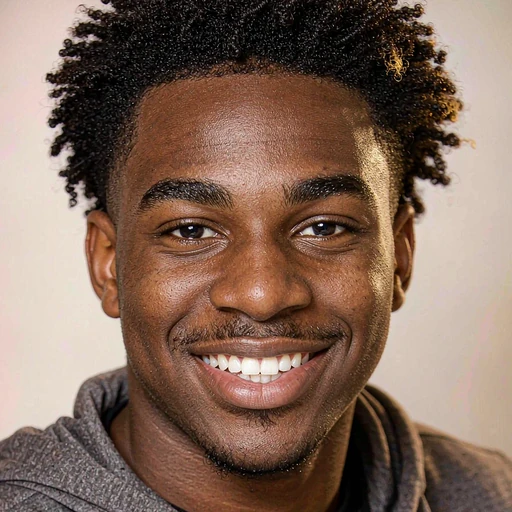
Marcus Bell
Short-form video creator
"For pre-viz we used to block scenes with stand-ins and hope for the best. Now I shoot a rough take on my phone and body swap in the lead actor’s look before we commit to a shoot day. It cut two test-shoot days off our last production."
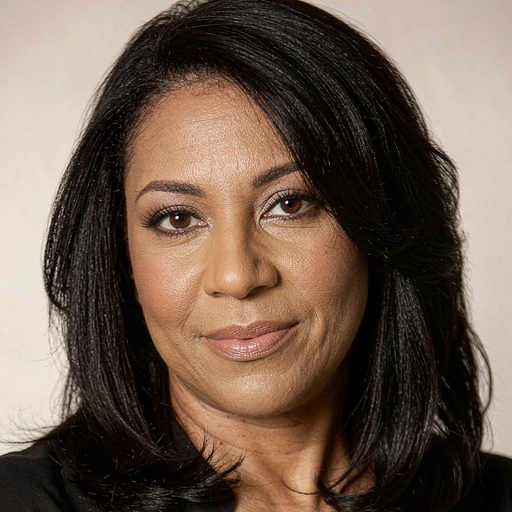
Elena Ruiz
Director
"The client wanted to see the campaign with their own spokesperson instead of a stock model. I sent a moving draft the same afternoon. That’s never happened in fourteen years of pitching."
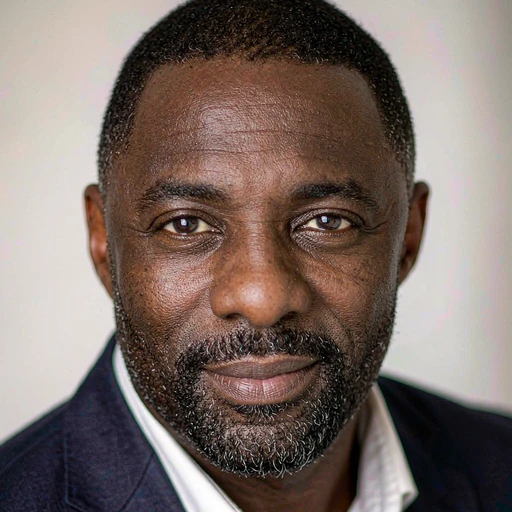
Daniel Okafor
Creative director
Everything you wanted to ask before you swap a character in your video.
Upload a video, choose a target character, and start creating with AI body swap online.
Start Body Swap