Free AI Video Animation: Animate Your Character

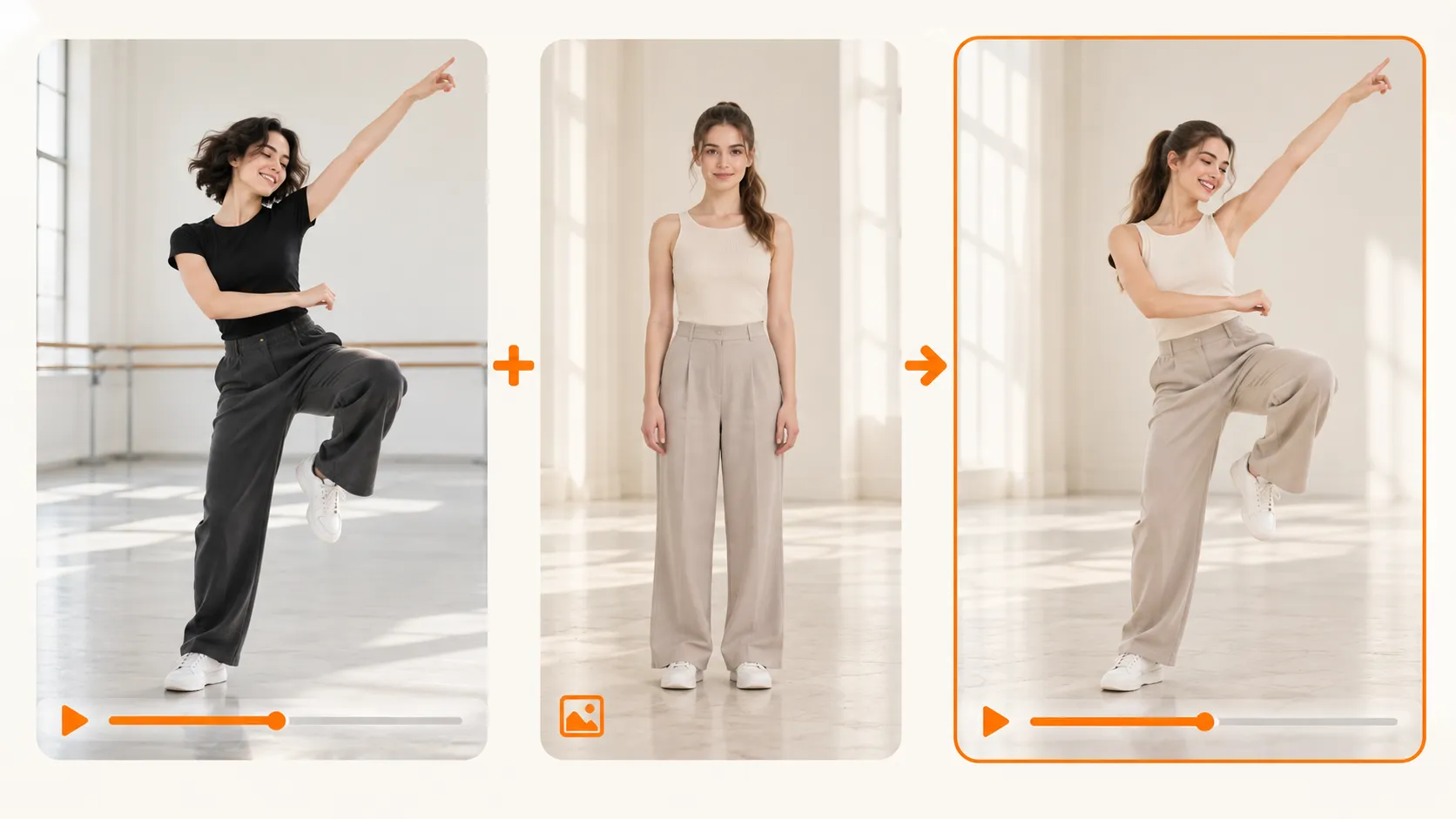
Upload a source video and a reference image to create video animation with your character. Transfer dance moves, gestures, and short performances from the video to your chosen subject.

2

Upload Action Video

M4V / MP4 / WEBM

Free Credits
Max 3s • 720p
Paid Credits
Max 30s • 720p
1

Upload Your Image

3

Audio settings

Keep original audio
4

Instruction Prompt (Optional)

0/500

My Creations

all images on servers will be automatically cleared in 1 day.

No creations yet.Start swapping!

Free AI Video Animation: Animate Your Character

Upload a source video and a reference image to create video animation with your character. Transfer dance moves, gestures, and short performances from the video to your chosen subject.

Animate Photos
AI video animation: animating a character with motion transfer

Transfer Hard to Describe Moves with AI Motion Transfer

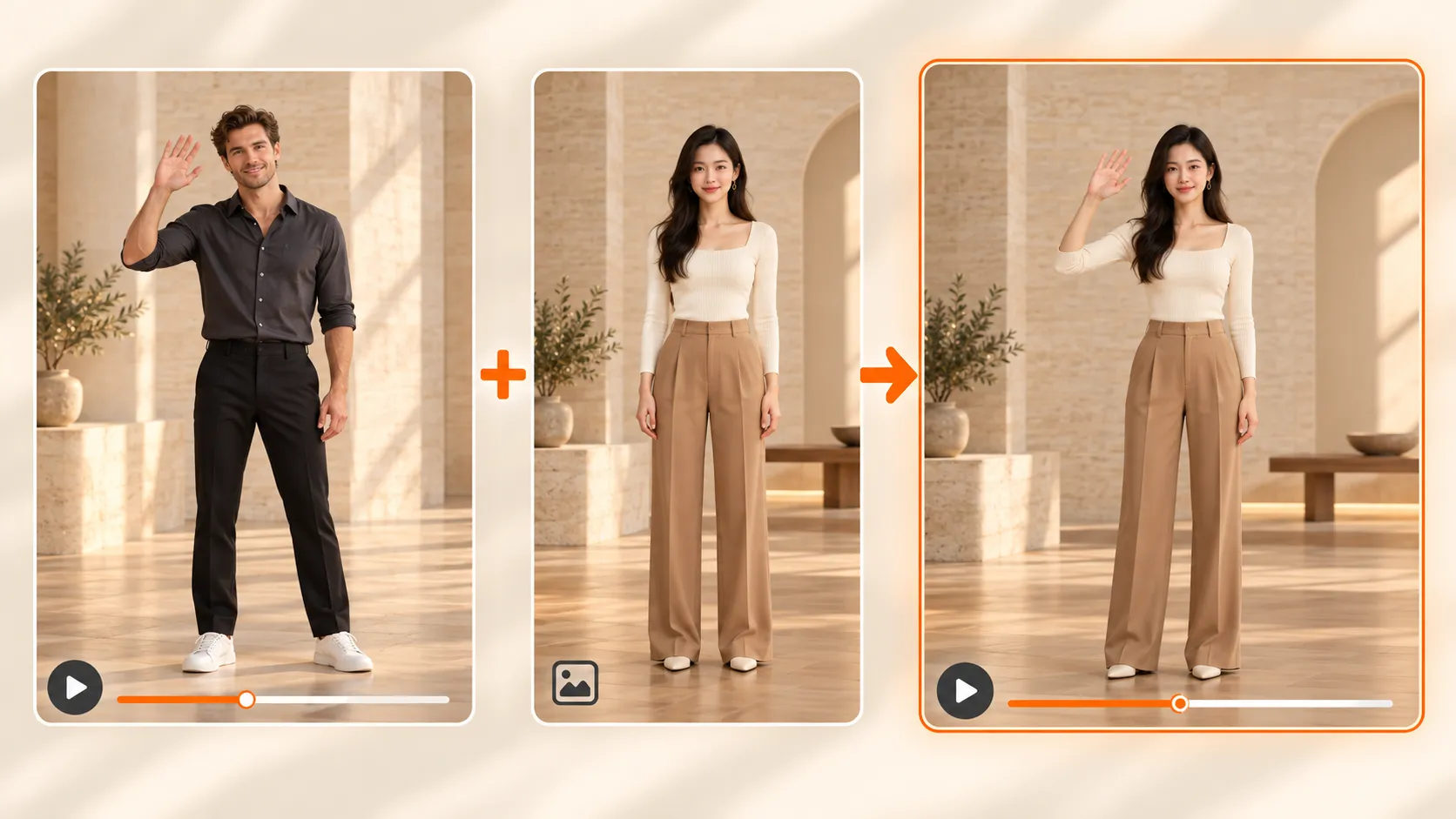
A quick shoulder roll, a playful wave, a turn that lands on the beat. Describing every detail can be harder than showing the movement itself. AI motion transfer uses your source video to guide the action, applying the performer’s movements to your reference subject. Use video face swap to change a face in existing footage, or animate your reference subject with the source video’s movements.

Transfer Hard to Describe Moves with AI Motion Transfer

From Still Image to Performance: AI Character Animation

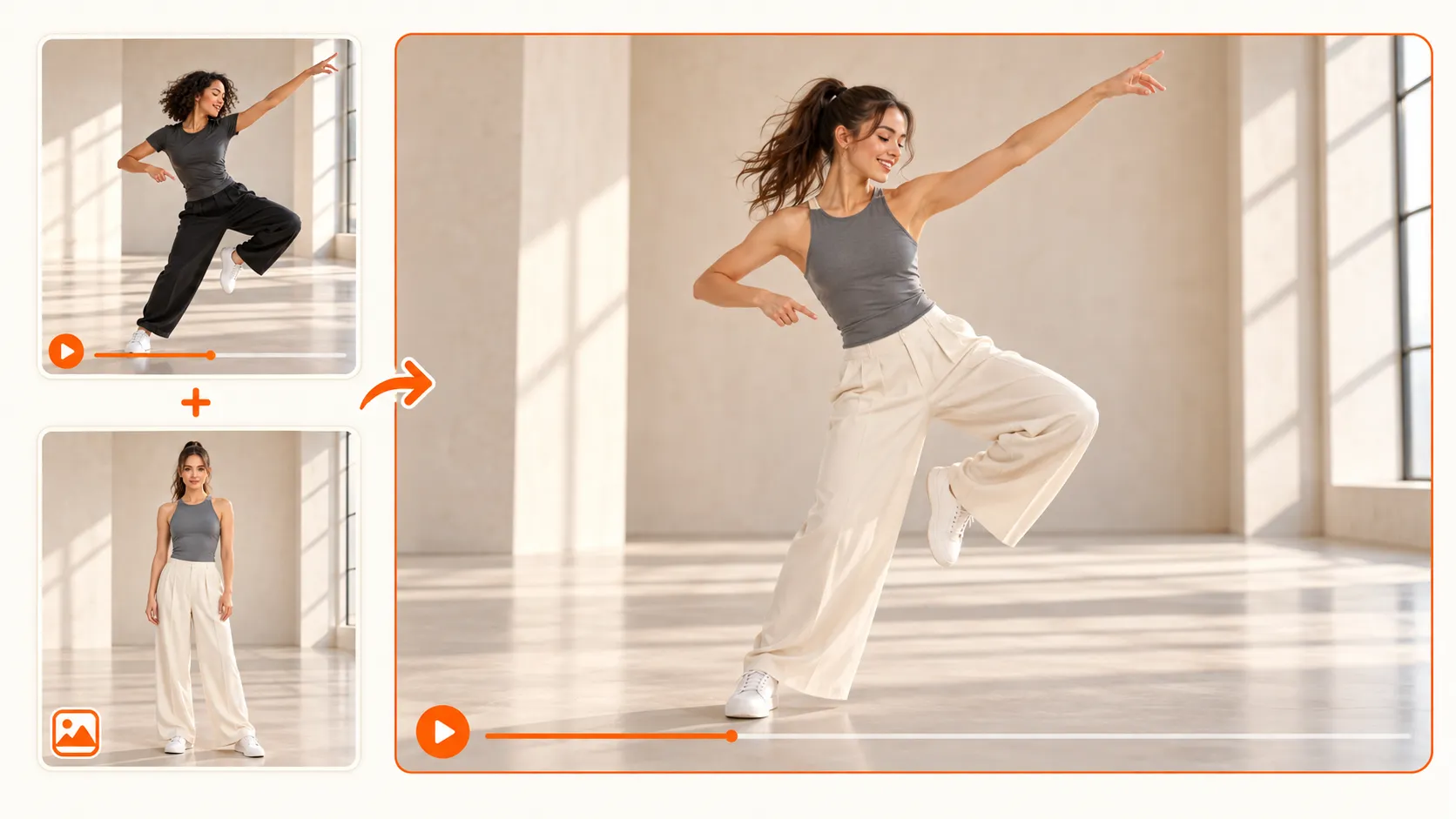
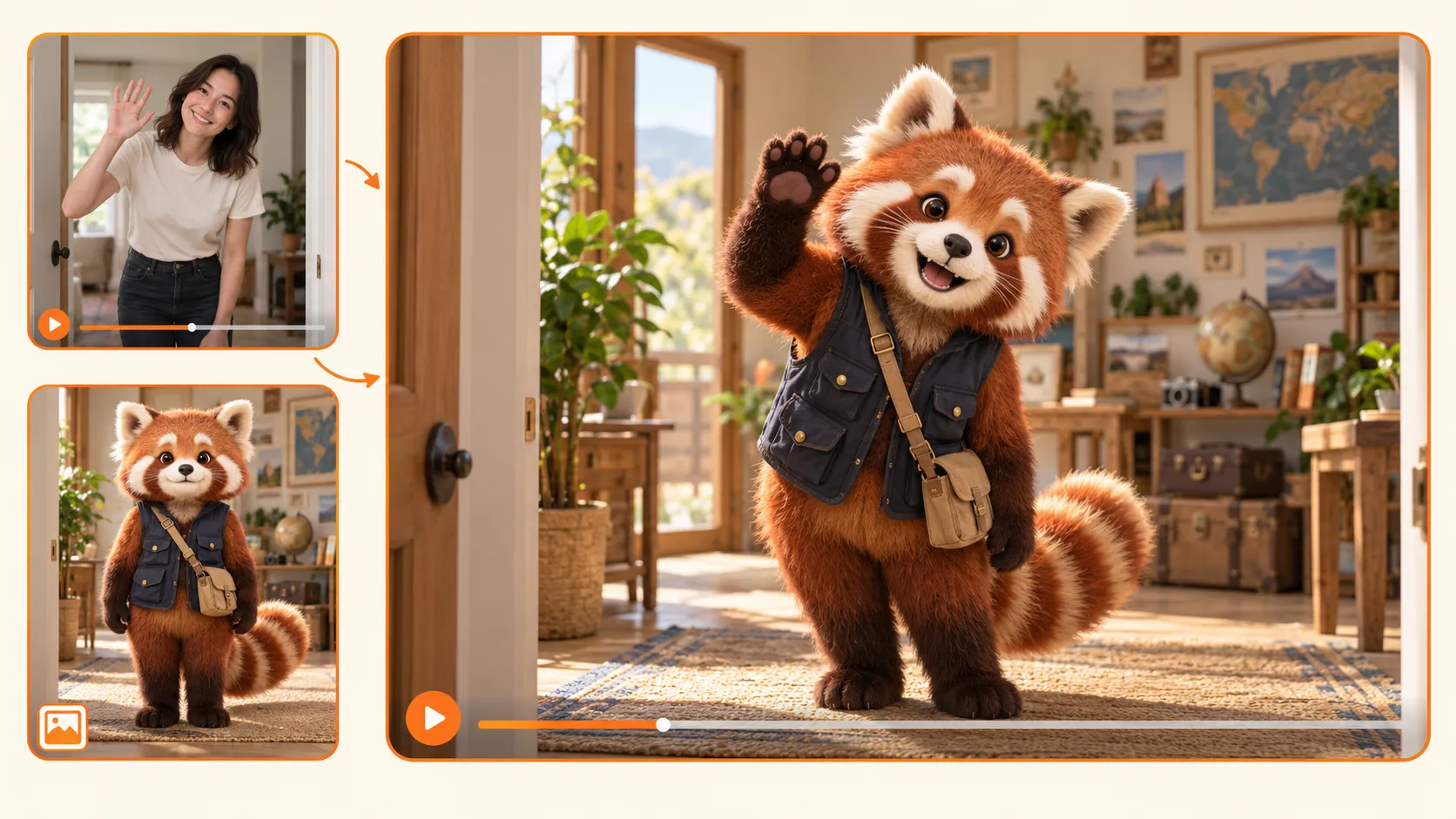
You have the look of a character, but a still image cannot show how it acts. Animate your reference subject with a confident entrance, a casual gesture, or an energetic routine to reveal a different side of its personality. If your idea starts with changing the face in a portrait, photo face swap can help prepare that image before you use it as a reference.

From Still Image to Performance: AI Character Animation

Video Animation with Original Audio or Silent Output

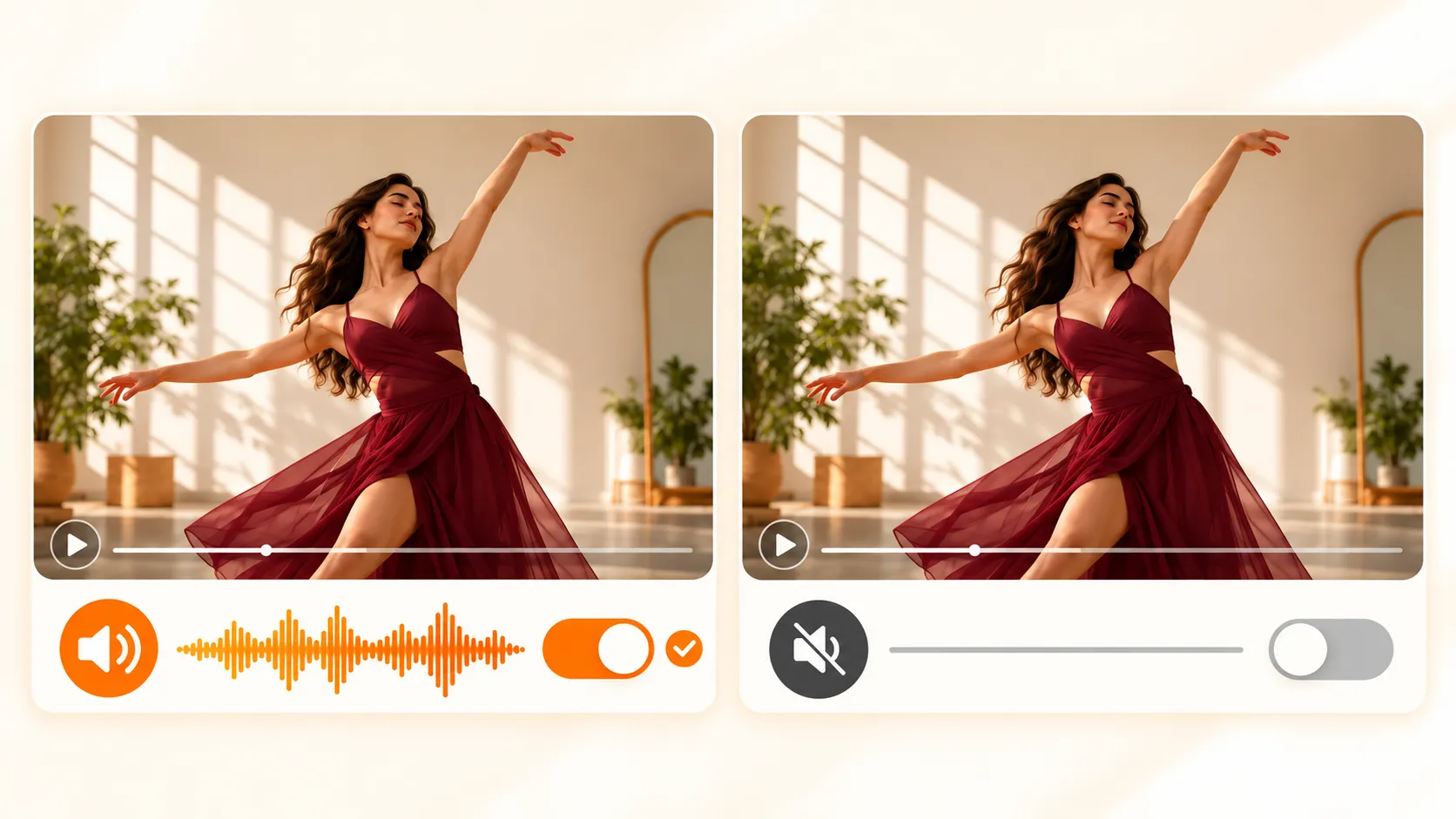
A dance may need its music, while a visual motion test may work better without sound. Source audio is included by default, and you can turn it off for a silent output that leaves room for your own soundtrack later. For a separate project focused on matching mouth movements to speech or singing, AI lip sync addresses that specific need.

Video Animation with Original Audio or Silent Output

Turn Everyday Clips into Animated Character Videos

A simple recording can become the starting point for a character introduction, a playful social post, or a short performance. Use a wave to welcome viewers, a dance to show energy, or a theatrical gesture to set the mood. Reference driven character animation gives familiar footage a new creative use, without requiring a complicated story to make the moment interesting.

Turn Everyday Clips into Animated Character Videos

Easy Start

How to Create Video Animation from a Reference Video

1. Upload the Action You Want to Use

1. Upload the Action You Want to Use

Choose a source video containing the movement you want to transfer. Start with a clearly visible performer and an easy to follow action. Good lighting, limited obstruction, and a steady shot make the movement easier to interpret.

2. Add the Subject You Want to Animate

2. Add the Subject You Want to Animate

Upload your reference image. Choose a clear subject with enough of the body visible for the intended movement. For a full body routine, an image showing the arms and legs provides a more useful starting point than a tightly cropped portrait.

3. Generate Your Video Animation

3. Generate Your Video Animation

Choose whether to keep the source audio, then generate your clip. Review the result and adjust your source video or reference image if you want to try a different performance.

What Makes Our AI Video Animation Stand Out

Everything you need to animate your character with a reference video — right in your browser.

Guide the Action with AI Motion Transfer

You may know exactly what a movement should look like without knowing how to describe it. A reference video communicates the action through an example. This reduces the need to turn every gesture into written instructions and makes your chosen performance the starting point for creation.

Video Animation Without Keyframing

Animating by hand can involve preparing a character, defining poses, and adjusting movement over time. This workflow starts with an image and a source clip, giving you a practical way to explore a moving scene without manually constructing each action. Your first task is choosing suitable assets.

New Characters, Same Performance

A useful performance does not have to serve only one creative idea. Apply its movement to a different reference image to explore another character interpretation. You can compare how the same action feels with different subjects without filming the performance again for every experiment.

Test Your Video Animation Ideas

A character that works in a still image may feel different once it moves. Generate a short scene to judge whether the action suits the subject before developing a longer edit or series. A moving example gives you something concrete to assess, discuss, and refine.

Different Creators, New Creative Possibilities

"I usually share my characters as still images. Seeing one perform a playful wave gave me a new way to introduce its personality and helped me imagine how it could behave in a larger story."

user avatar

Emily Carter

Character Designer

"I had a dance move in mind that was awkward to describe in a prompt. Using a reference clip for video animation let me show the action directly and try it with my character image."

user avatar

Jason Miller

Short Form Video Creator

"I wanted to judge the movement before choosing music for the post. Generating a silent version let me focus on the performance first, then decide how I wanted to finish the edit."

user avatar

Sofia Martinez

Social Media Manager

Video Animation FAQs

Everything you wanted to ask before animating your first character video.

Create Your Next Character Video with AI Video Animation

Pick a wave, a dance, or a memorable entrance. Upload your image and a reference clip to turn that action into your character’s next performance.

Animate My Image